


EDS Training Courses
Scada Systems provides training courses (and facilities) for the "off the shelf" I&E design software EDS. We offer a number of ways to learn our software, from our built-in Help documentation to structured courses delivered online or in person.
Face-to-Face Training

For those who prefer hands-on, face-to-face instruction, our trainer can visit your site to deliver a tailored training session.
Training is sold on a per-Trainer-Day basis.
| Elecdes (basic) | 4 Days |
| Elecdes (advanced) | 2 Days |
| Paneldes | 4 Days |
| Instrument Manager | 5 Days |
Training for EDS is broken down into several modules - you may choose some or all modules depending on your needs.
Online Training
Our web-based training courses guide you through the software with structured video lessons, audio narration and progress tests — so you can work at your own pace and verify your understanding as you go.
We offer several online training options to suit different needs:
- Individual web training courses: purchase and complete courses at your own pace
- Subscription access to the full course catalogue for a set period
- Web training with a live Q&A session: complete courses online, then join a live session with our trainer to work through any questions. A day is often enough for this.
Below are all the courses we currently offer, along with their estimated completion time. Click any course to see a description of what it covers.

Learn how to construct and modify 3D Paneldes entities (Devices, Panels, Raceway) in order to build an intelligent plant raceway model for use during cable routing. Includes an introduction to 3D CAD techniques.

Learn Paneldes' powerful Cable Routing functionality and how to customise Paneldes with 3D Blocks and many other preferences. This course assumes knowledge from the "Paneldes Raceway" course.
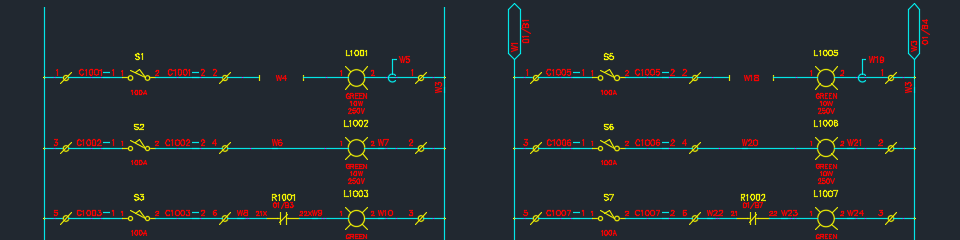
Use Elecdes to create and modify 2D schematics, one lines and panel layouts. Become familiar with Elecdes tools including Catalogs and the Global Editor. Learn about EDS projects and using Ebase to generate reports and modify your drawing set.
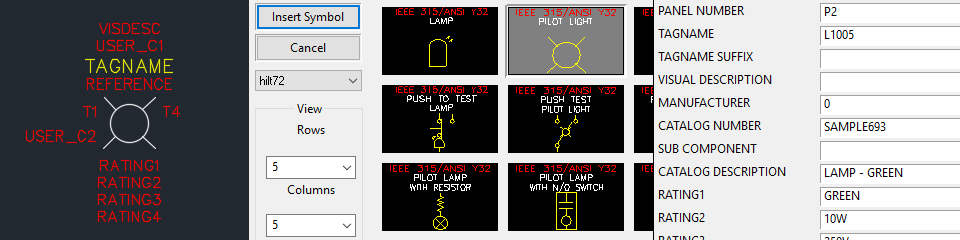
Learn how to customise Elecdes drawings, symbol libraries and catalogs by way of drawing configuration, symbol customisation, menu entries and preferences. This course assumes knowledge from the "Elecdes" course.
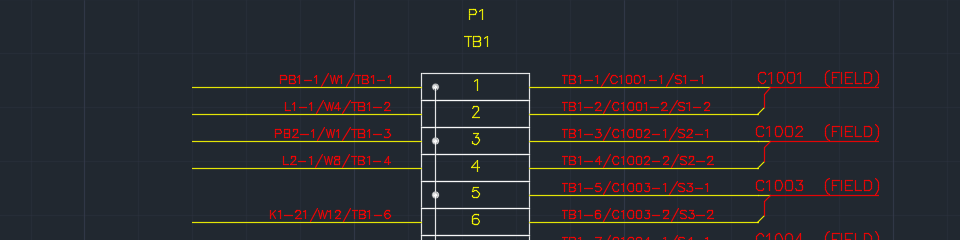
Learn how to generate and update wiring diagrams and terminal strips, automatically, from your schematic drawings.
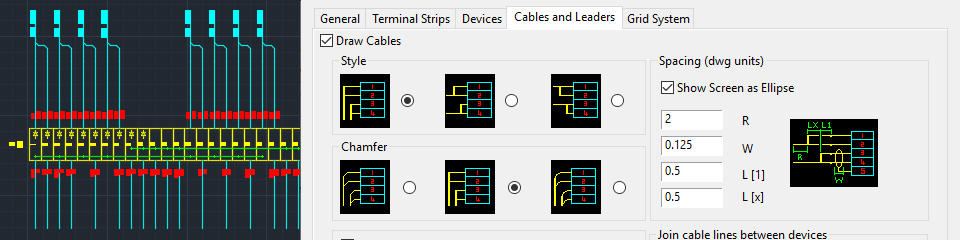
Learn advanced techniques and customisation options used for generating wiring diagrams and terminal strips. Includes many layout preferences and also symbol customisation. This course assumes knowledge from the "Wiring Diagram Generator" course.
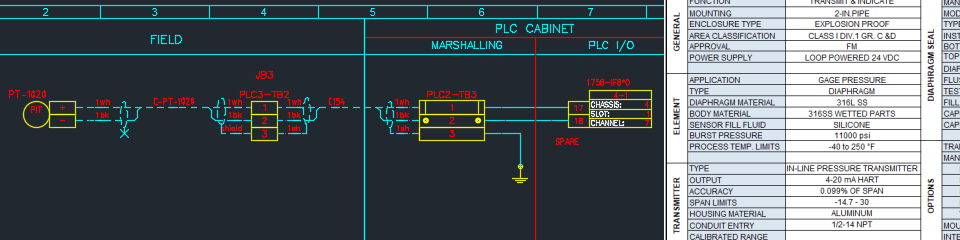
Create an SQL instrumentation database. Add and modify instruments, cables and other components. Interconnect your Instruments, JBs and marshalling. Use the IM Interface tools. Create output reports, loops, datasheets and link your data to a P&ID.

Learn how to customise the IM database, the support and library files and their folder structure. Examine DB tables and columns and the default data provided. Customise your output diagram templates, reports, importing and preferences.
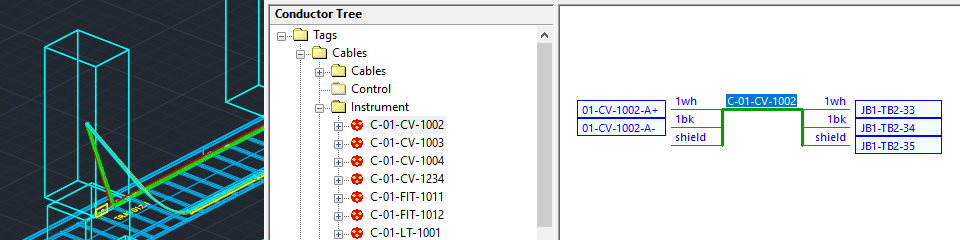
Create an SQL electrical cable database. Add and modify enclosures, devices, cables, raceway and other components. Interconnect your components and route your cables. Use the CS Interface tools and generate reports from CS.
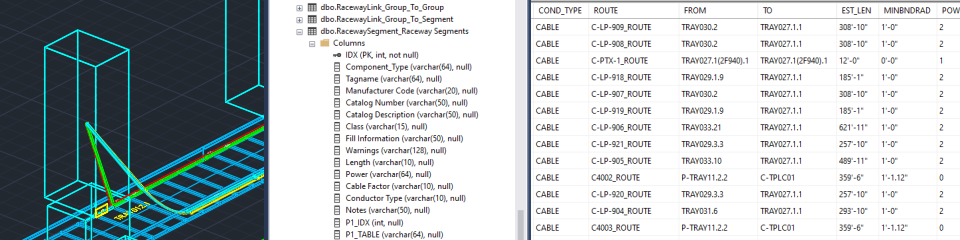
Learn how to customise the CS database, the support and library files and their folder structure. Examine DB tables and columns and the default data provided. Customise your raceway tables, routing, importing and other preferences.
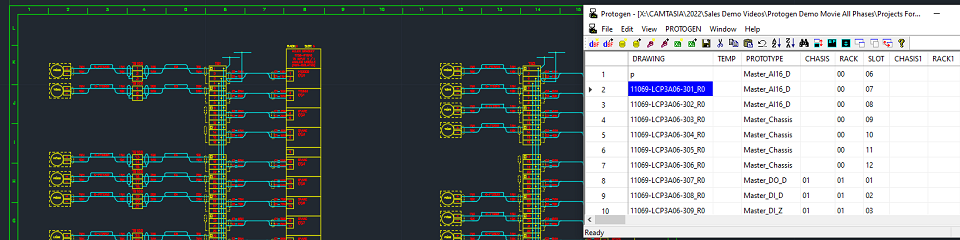
Use Protogen to automate your CAD process and mass produce electrical drawings, by combining one or more typical drawing templates (prototypes) with variable data from one or more tables.